Taskbar
What is Taskbar?
Definition
The taskbar is a fixed interface bar provided by the operating system that displays running applications, shortcuts, and system-level controls. It presents icons for open or pinned programs and offers access to features such as notifications, time, and system status. This makes it easier to monitor active tasks and move between applications without losing context or interrupting workflow.
Frayer Model Overview
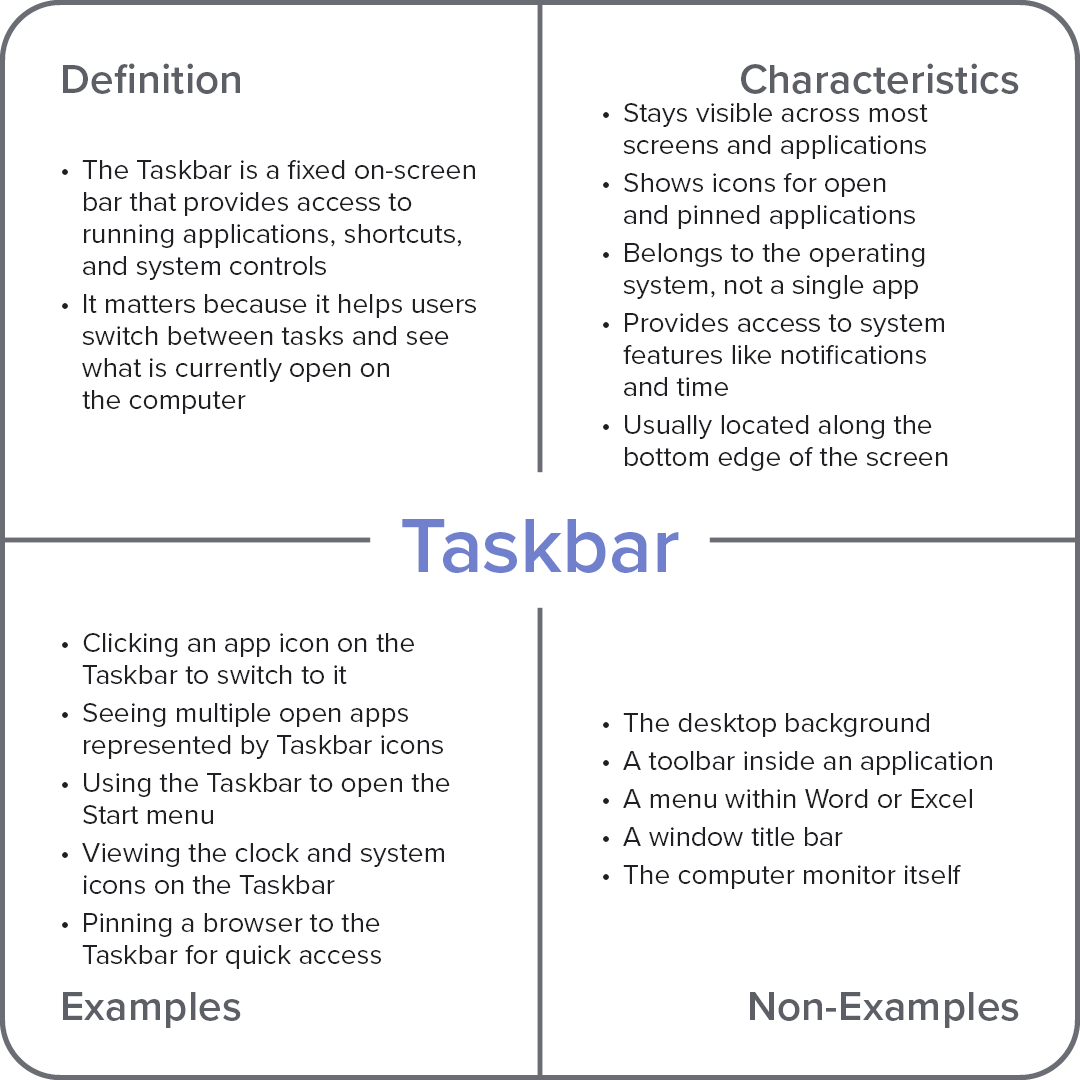
Characteristics
Stays visible across most screens and applications
Shows icons for open and pinned applications
Belongs to the operating system, not a single app
Provides access to system features like notifications and time
Usually located along the bottom edge of the screen
Examples
Clicking an app icon on the taskbar to switch to it
Seeing multiple open apps represented by taskbar icons
Using the taskbar to open the Start menu
Viewing the clock and system icons on the taskbar
Pinning a browser to the taskbar for quick access
Non-Examples
The desktop background
A toolbar inside an application
A menu within Word or Excel
A window title bar
The computer monitor itself