Desktop
What is a Desktop?
Definition
The desktop is the primary on-screen workspace that appears after a user signs in to a computer. It displays icons, folders, and other items that can be opened or managed. This area functions as a central starting point for accessing files, applications, and system tools.
Frayer Model Overview
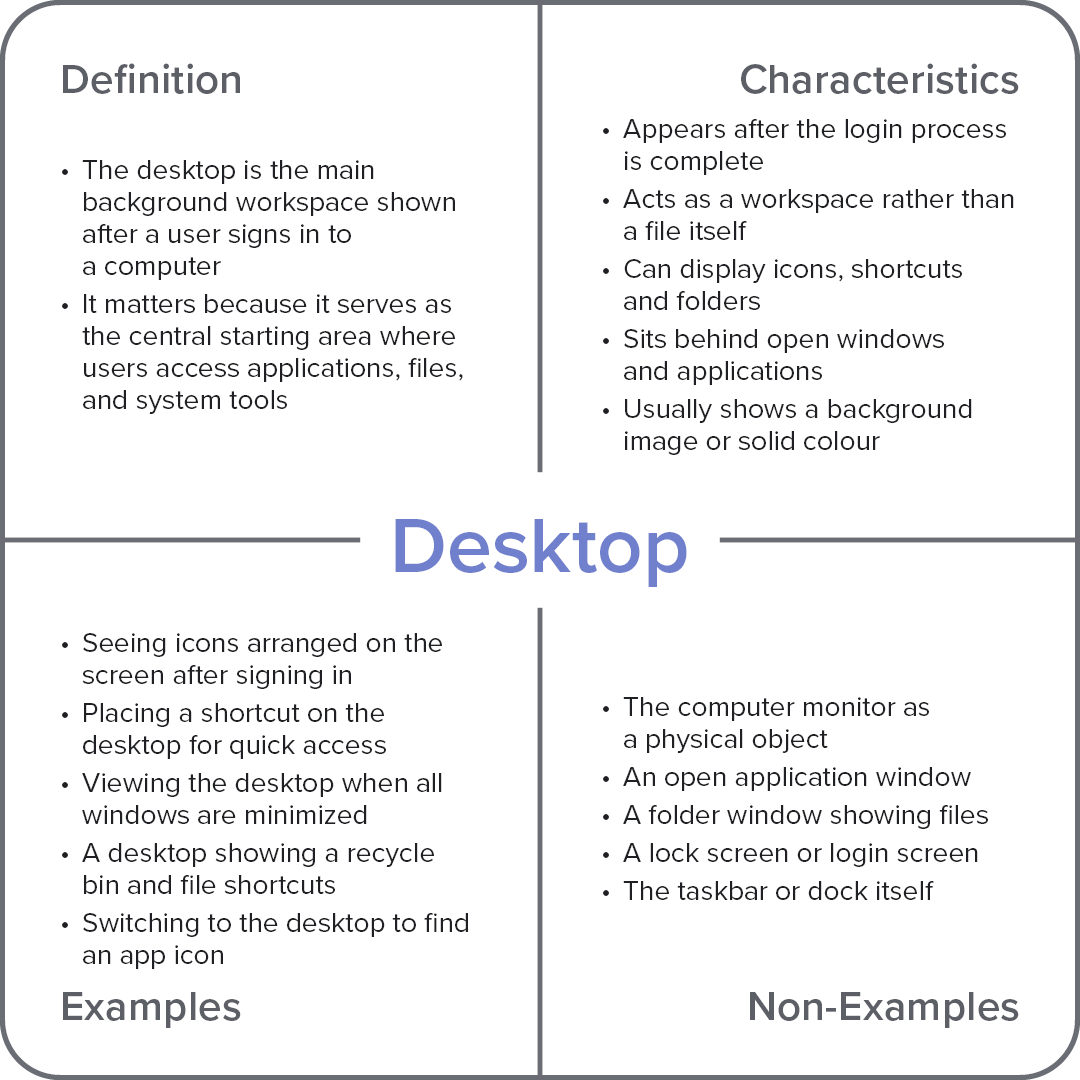
Characteristics
Appears after the login process is complete
Acts as a workspace rather than a file itself
Can display icons, shortcuts, and folders
Sits behind open windows and applications
Usually shows a background image or solid colour
Examples
Seeing icons arranged on the screen after signing in
Placing a shortcut on the desktop for quick access
Viewing the desktop when all windows are minimized
A desktop showing a recycle bin and file shortcuts
Switching to the desktop to find an app icon
Non-Examples
The computer monitor as a physical object
An open application window
A folder window showing files
A lock screen or login screen
The taskbar or dock itself