Start Menu
What is the STart Menu in Windows?
Definition
The Start menu is a central system-level menu in Microsoft Windows that provides access to applications, settings, and core system functions. It opens as a panel connected to the taskbar rather than as a separate window. This design makes it a primary entry point for locating programs and managing basic operating system tasks.
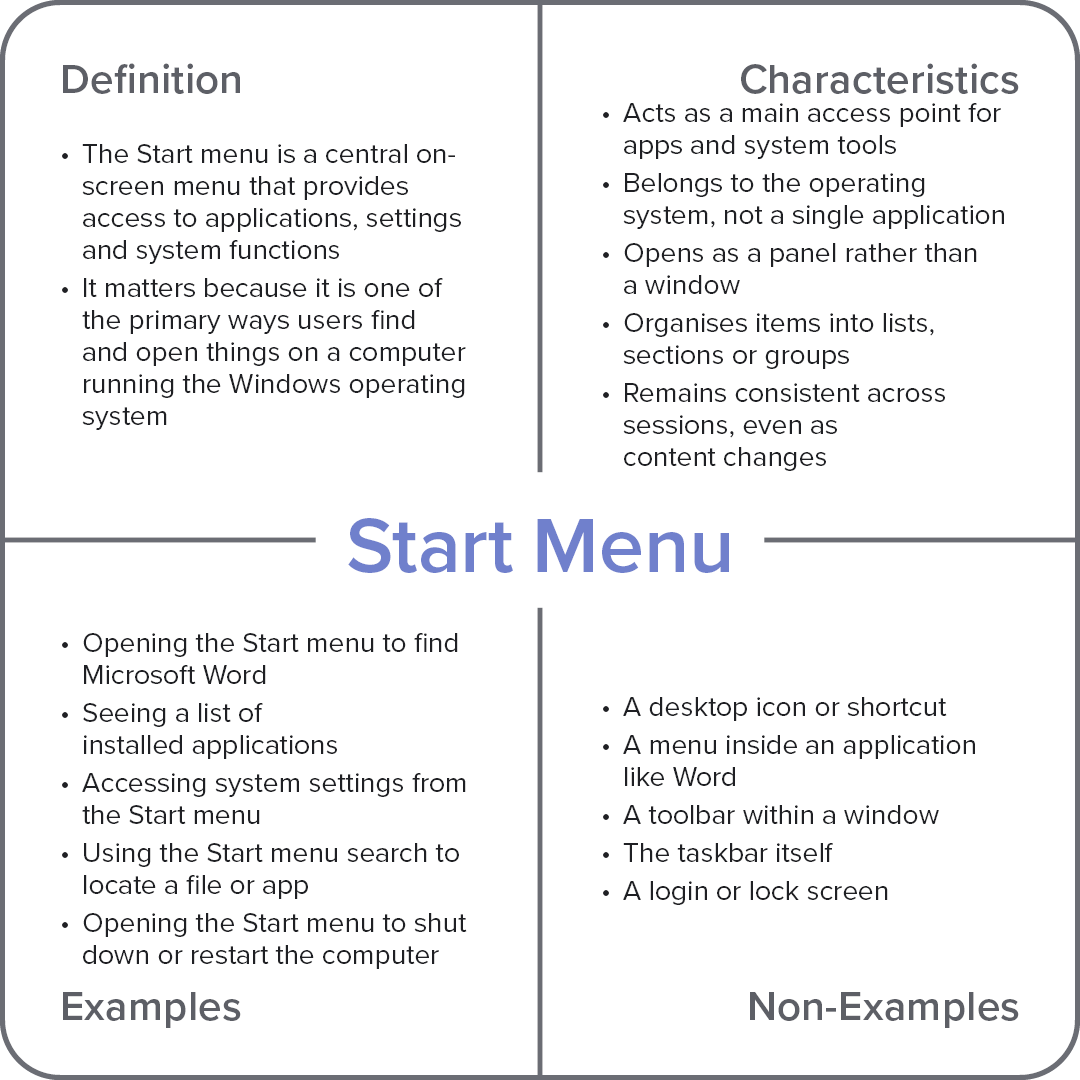
Frayer Model Overview
Characteristics
Acts as a main access point for apps and system tools
Belongs to the operating system, not a single application
Opens as a panel rather than a window
Organises items into lists, sections, or groups
Remains consistent across sessions, even as content changes
Examples
Opening the Start menu to find Microsoft Word
Seeing a list of installed applications
Accessing system settings from the Start menu
Using the Start menu search to locate a file or app
Opening the Start menu to shut down or restart the computer
Non-Examples
A desktop icon or shortcut
A menu inside an application like Word
A toolbar within a window
The taskbar itself
A login or lock screen