Desktop Folder
What is Desktop Folder?
Definition
The Desktop folder is the system folder whose contents appear directly on the desktop screen after a user signs in to an account. It can contain files and other folders, and it functions like any other folder when opened in File Explorer or a file management system. This helps make frequently used files and folders immediately visible and easy to access.
Frayer Model Overview
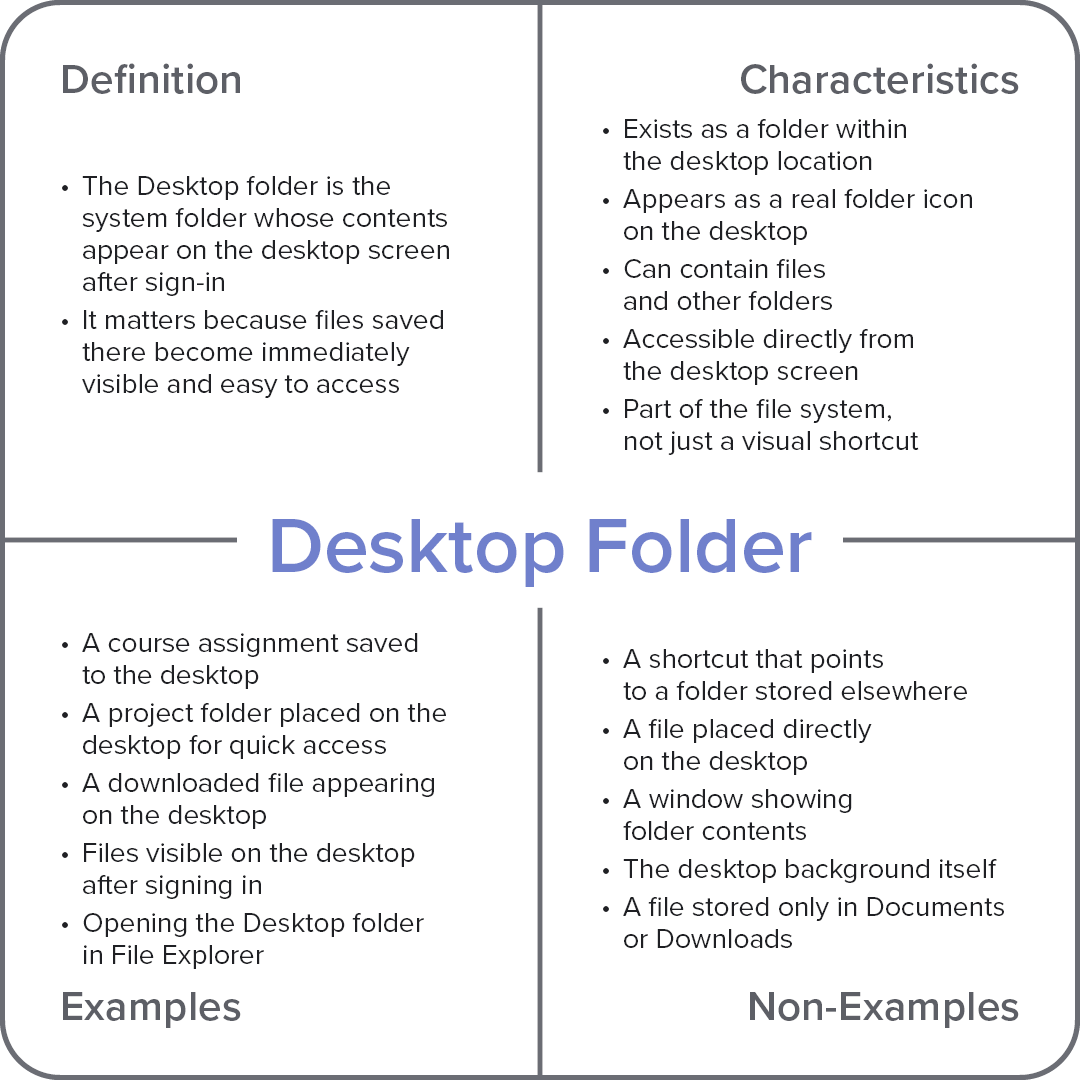
Characteristics
Exists as a folder in the user’s file system
Its contents appear directly on the desktop screen
Can contain files and other folders
Items saved there become visible immediately after sign-in
Behaves like any other folder when opened in File Explorer
Examples
A course assignment saved to the desktop
A project folder placed on the desktop for quick access
A downloaded file appearing on the desktop
Files visible on the desktop after signing in
Opening the Desktop folder in File Explorer
Non-Examples
A shortcut that points to a folder stored elsewhere
A file placed directly on the desktop
A window showing folder contents
The desktop background itself
A file stored only in Documents or Downloads