Title Bar
What is Title Bar?
Definition
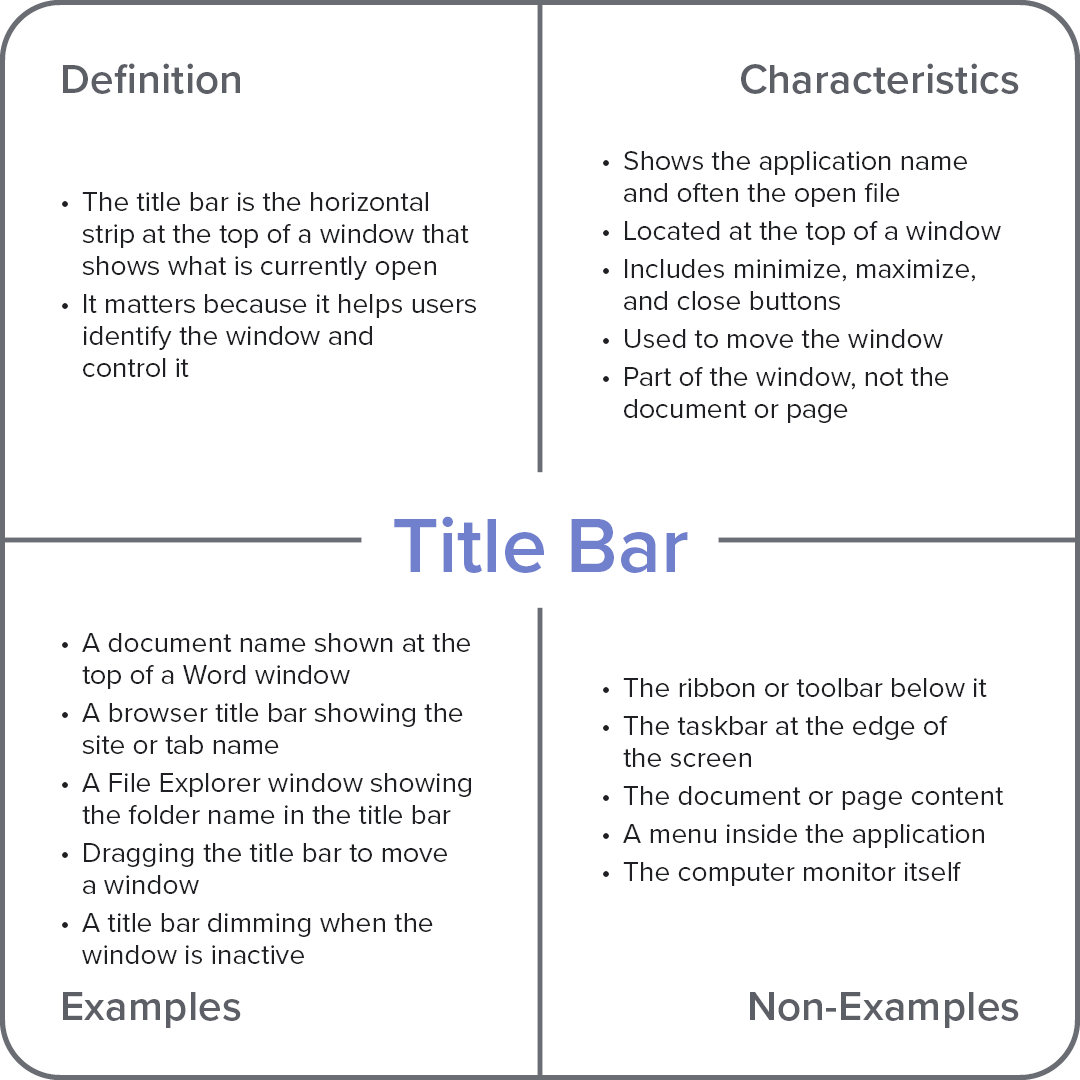
The title bar is the horizontal strip at the top of a window that shows the name of the application and often the file, folder, or webpage that is currently open. It also contains controls for moving, minimizing, maximizing, and closing the window. This helps users identify which window is active and manage multiple windows more easily.
Frayer Model Overview
Characteristics
Shows the application name and often the open file
Located at the top of a window
Includes minimize, maximize, and close buttons
Used to move the window
Part of the window, not the document or page
Examples
A document name shown at the top of a Word window
A browser title bar showing the site or tab name
A File Explorer window showing the folder name in the title bar
Dragging the title bar to move a window
A title bar dimming when the window is inactive
Non-Examples
The ribbon or toolbar below it
The taskbar at the edge of the screen
The document or page content
A menu inside the application
The computer monitor itself