Ribbon
What is Ribbon?
Definition
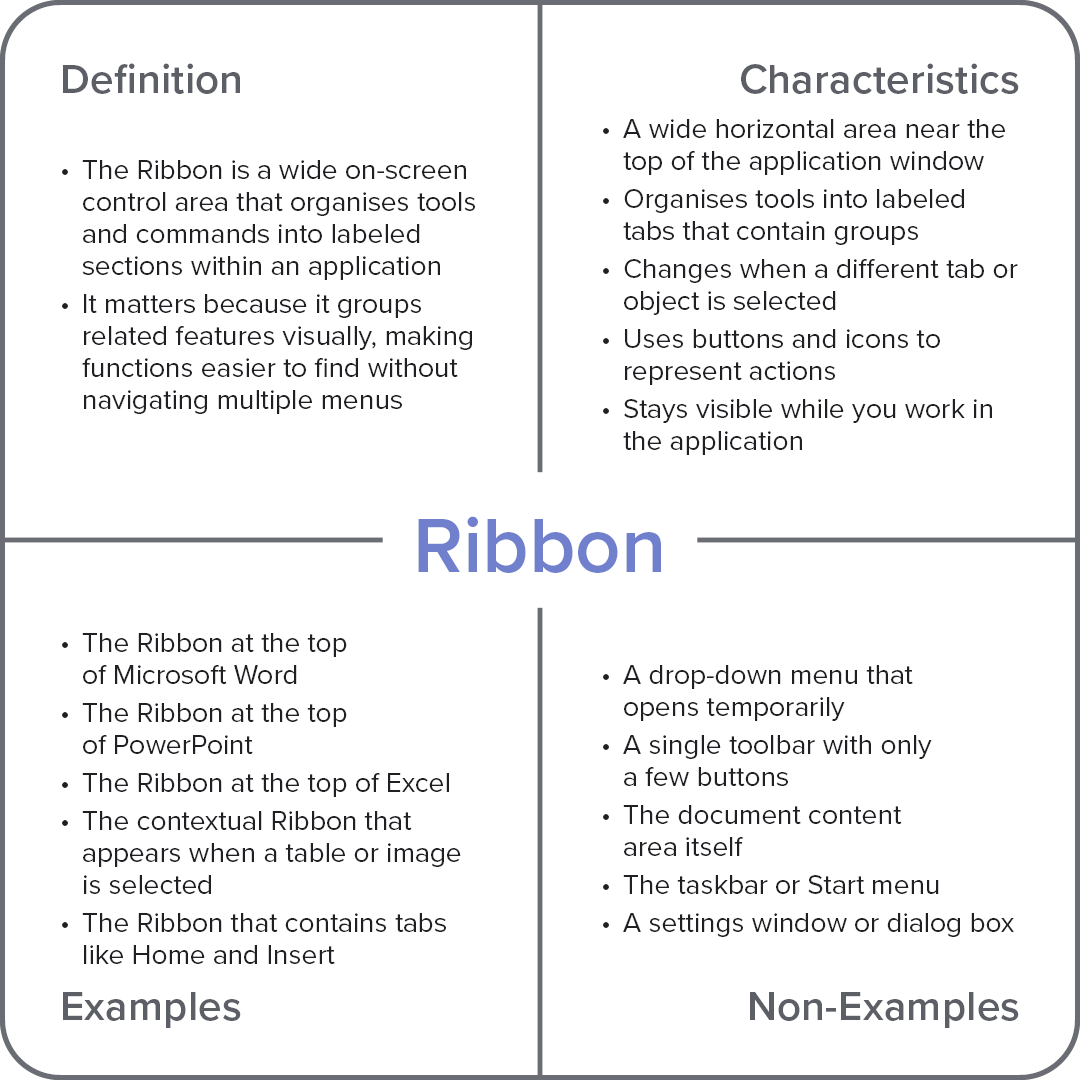
The ribbon is a wide control area within an application window that organizes commands and tools into labeled tabs and grouped sections. It displays buttons and icons that change based on the selected tab or object, keeping relevant features visible and structured. This makes it easier to locate and use functions efficiently without navigating through multiple menus or hidden options.
Frayer Model Overview
Characteristics
A wide horizontal area near the top of the application window
Organises tools into labeled tabs that contain groups
Changes when a different tab or object is selected
Uses buttons and icons to represent actions
Stays visible while you work in the application
Examples
The ribbon at the top of Microsoft Word
The ribbon at the top of PowerPoint
The ribbon at the top of Excel
The contextual ribbon that appears when a table or image is selected
The ribbon that contains tabs like Home and Insert
Non-Examples
A drop-down menu that opens temporarily
A single toolbar with only a few buttons
The document content area itself
The taskbar or Start menu
A settings window or dialog box