Toolbar
What is a Toolbar?
Definition
A toolbar is an on-screen strip within an application that contains buttons or controls for performing common actions. It remains visible while the program window is open and groups frequently used commands in one place. This arrangement allows actions to be accessed quickly without opening menus or searching through multiple options.
Frayer Model Overview
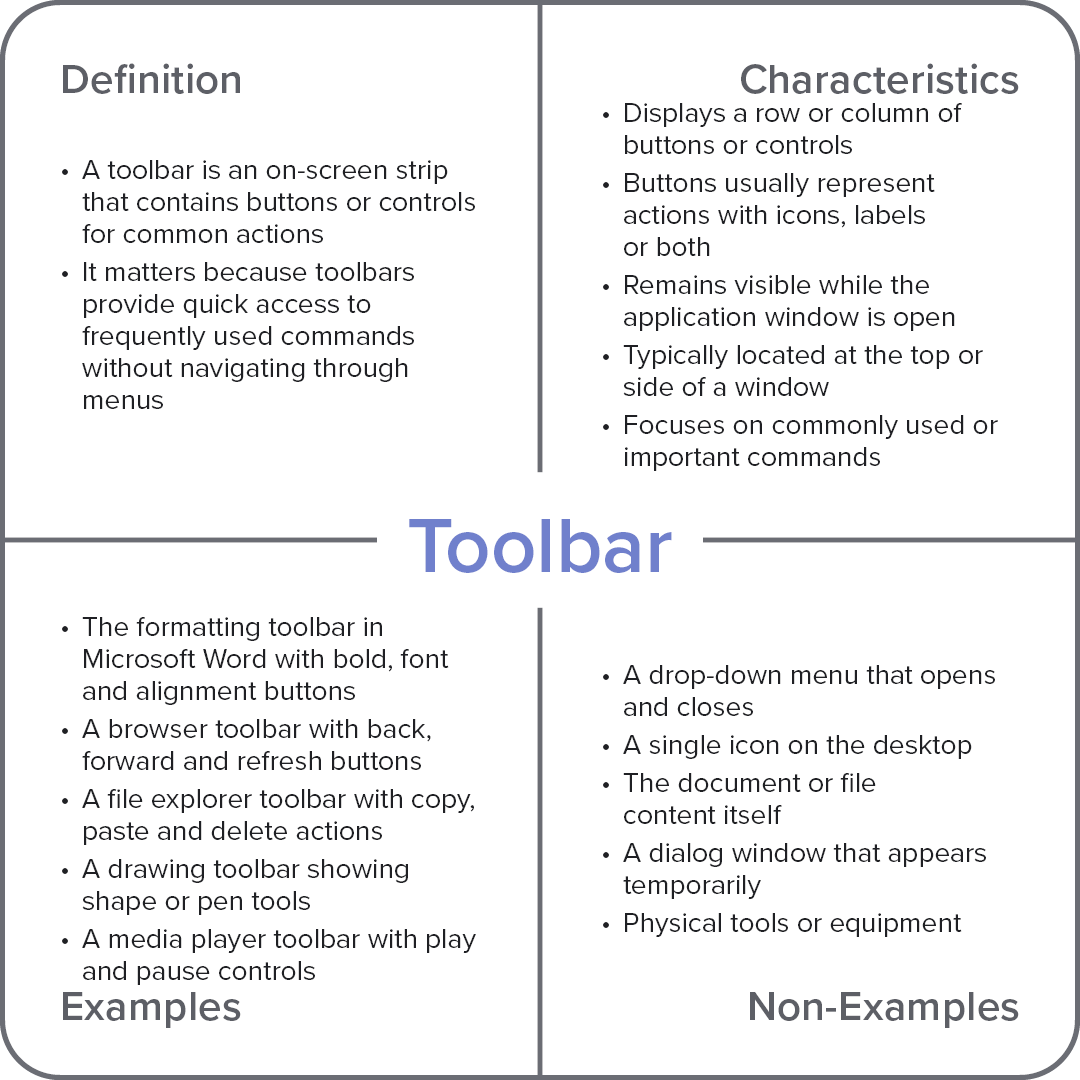
Characteristics
Displays a row or column of buttons or controls
Buttons usually represent actions with icons, labels, or both
Remains visible while the application window is open
Typically located at the top or side of a window
Focuses on commonly used or important commands
Examples
The formatting toolbar in Microsoft Word with bold, font, and alignment buttons
A browser toolbar with back, forward, and refresh buttons
A file explorer toolbar with copy, paste, and delete actions
A drawing toolbar showing shape or pen tools
A media player toolbar with play and pause controls
Non-Examples
A drop-down menu that opens and closes
A single icon on the desktop
The document or file content itself
A dialog window that appears temporarily
Physical tools or equipment