File Menu
What is File Menu?
Definition
The file menu is a menu inside an application that contains commands for creating, opening, saving, printing, and managing files. It focuses on actions that affect the entire file rather than editing the content inside the document itself. This helps keep important file-related commands organized in one consistent location across many applications.
Frayer Model Overview
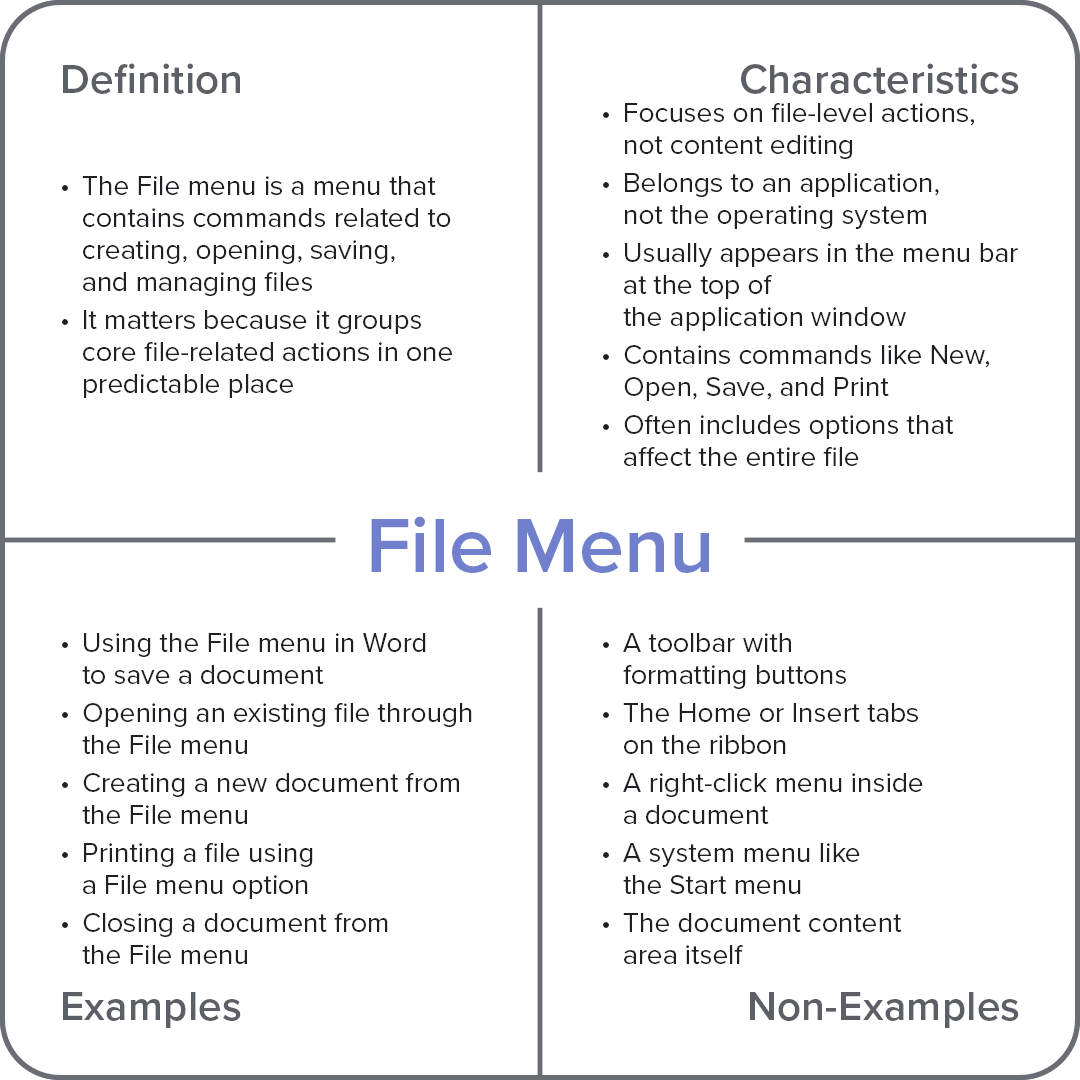
Characteristics
Focuses on file-level actions, not content editing
Belongs to an application, not the operating system
Usually appears in the menu bar at the top of the application window
Contains commands like New, Open, Save, and Print
Often includes options that affect the entire file
Examples
Using the file menu in Word to save a document
Opening an existing file through the file menu
Creating a new document from the file menu
Printing a file using a file menu option
Closing a document from the file menu
Non-Examples
A toolbar with formatting buttons
The Home or Insert tabs on the ribbon
A right-click menu inside a document
A system menu like the Start menu
The document content area itself