Status Bar
What is Status Bar?
Definition
The status bar is a narrow area in an application window that displays information about the current file, view, selection, or task. It updates automatically and provides feedback without requiring additional menus or windows to open. This helps users monitor important details such as progress, page information, or selection data while continuing to work.
Frayer Model Overview
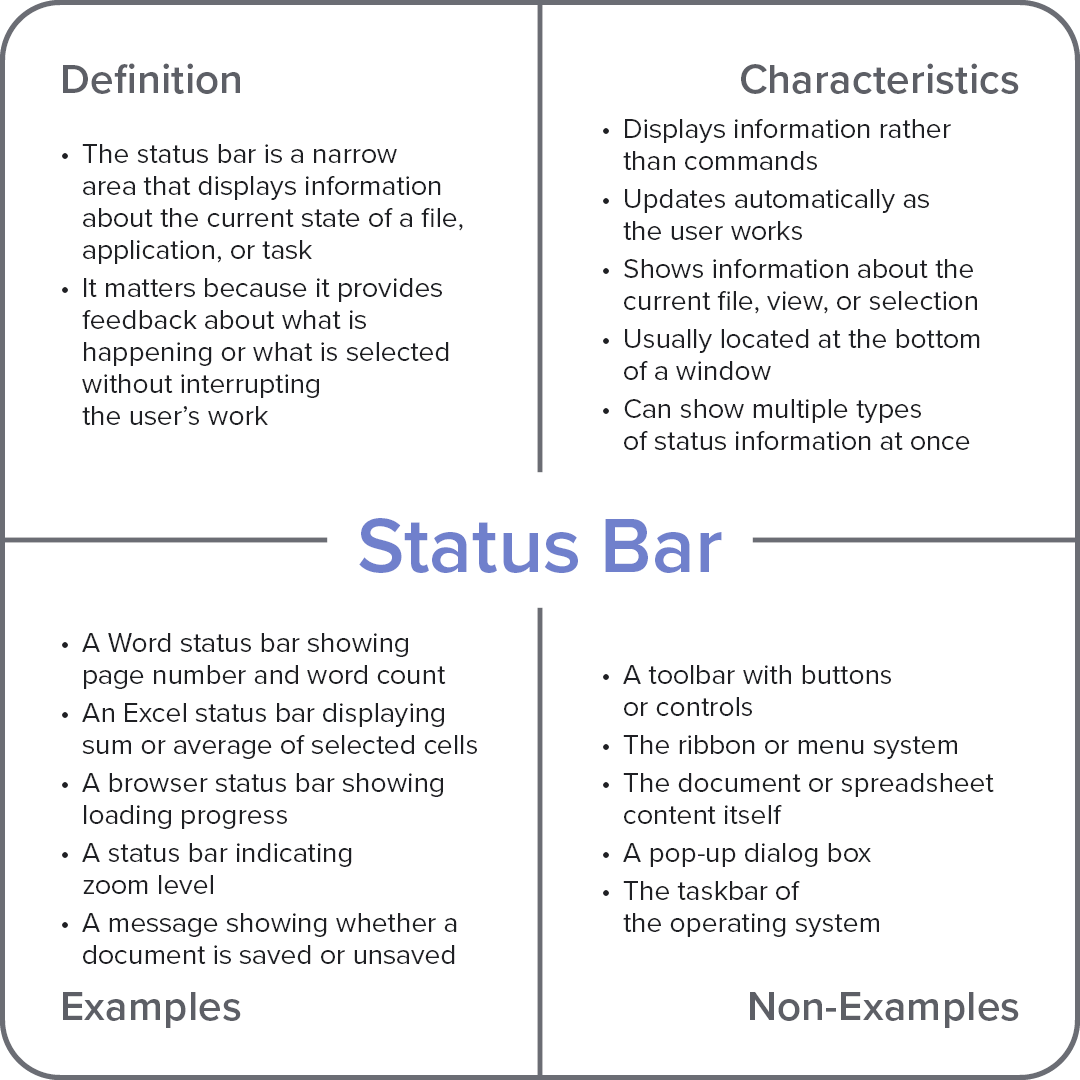
Characteristics
Displays information rather than commands
Updates automatically as the user works
Shows information about the current file, view, or selection
Usually located at the bottom of a window
Can show multiple types of status information at once
Examples
A Word status bar showing page number and word count
An Excel status bar displaying sum or average of selected cells
A browser status bar showing loading progress
A status bar indicating zoom level
A message showing whether a document is saved or unsaved
Non-Examples
A toolbar with buttons or controls
The ribbon or menu system
The document or spreadsheet content itself
A pop-up dialog box
The taskbar of the operating system