Save As
What is Save As?
Definition
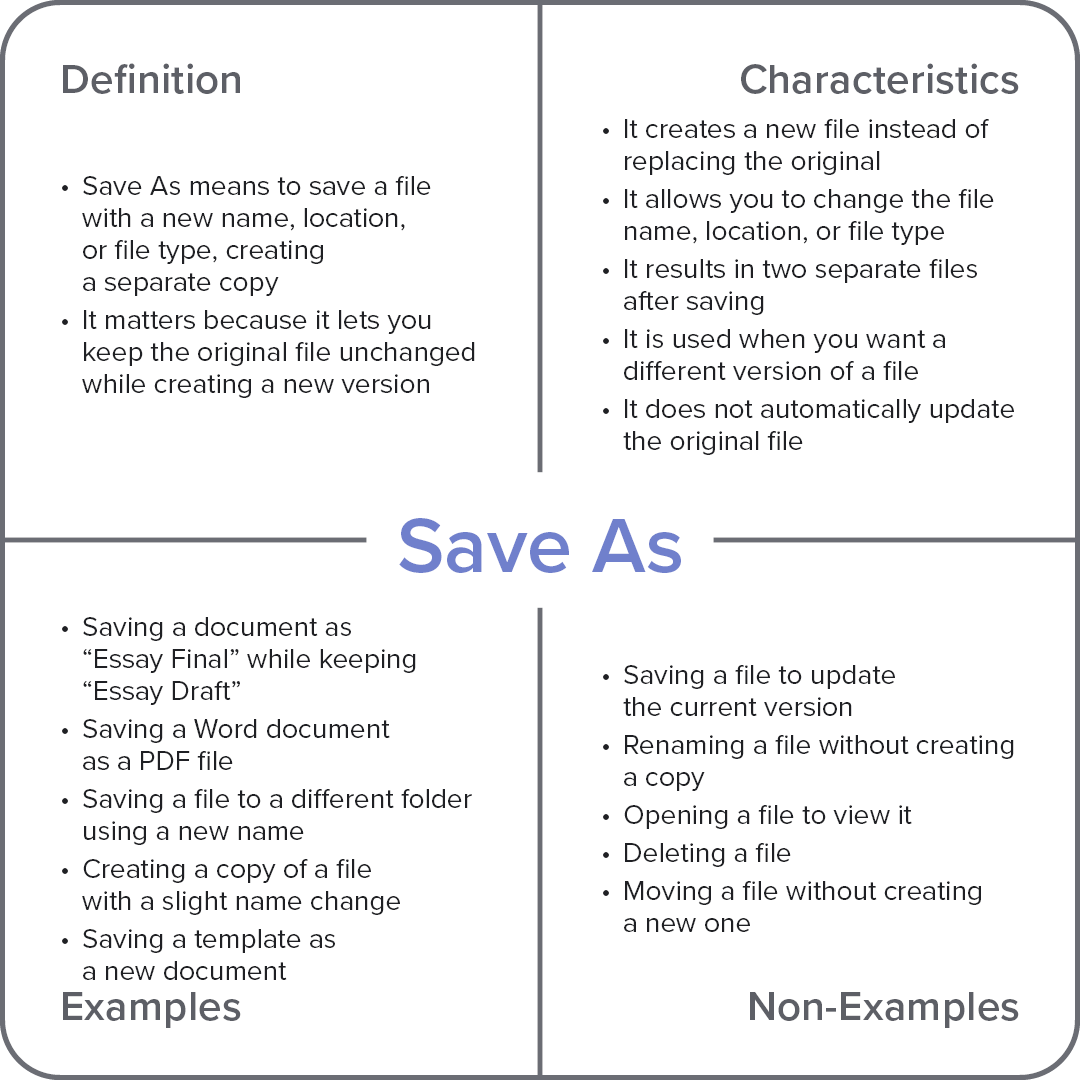
Save As is a command that creates a new copy of a file using a different name, location, or file format. The newly saved file becomes a separate item, while the original file remains unchanged in its existing form. This helps users create alternate versions, preserve originals, and save files for different purposes without overwriting previous work.
Frayer Model Overview
Characteristics
It creates a new file instead of replacing the original
It allows you to change the file name, location, or file type
It results in two separate files after saving
It is used when you want a different version of a file
It does not automatically update the original file
Examples
Saving a document as “Essay Final” while keeping “Essay Draft”
Saving a Word document as a PDF file
Saving a file to a different folder using a new name
Creating a copy of a file with a slight name change
Saving a template as a new document
Non-Examples
Saving a file to update the current version
Renaming a file without creating a copy
Opening a file to view it
Deleting a file
Moving a file without creating a new one