Presenter View
What is Presenter View?
Definition
Presenter View is a presentation mode that provides the presenter with additional information while a slideshow is being delivered. It can display speaker notes, slide previews, timing tools, and presentation controls on the presenter's screen while the audience sees only the current slide. This helps presenters stay organized and manage the flow of a presentation without exposing private notes or controls.
Frayer Model Overview
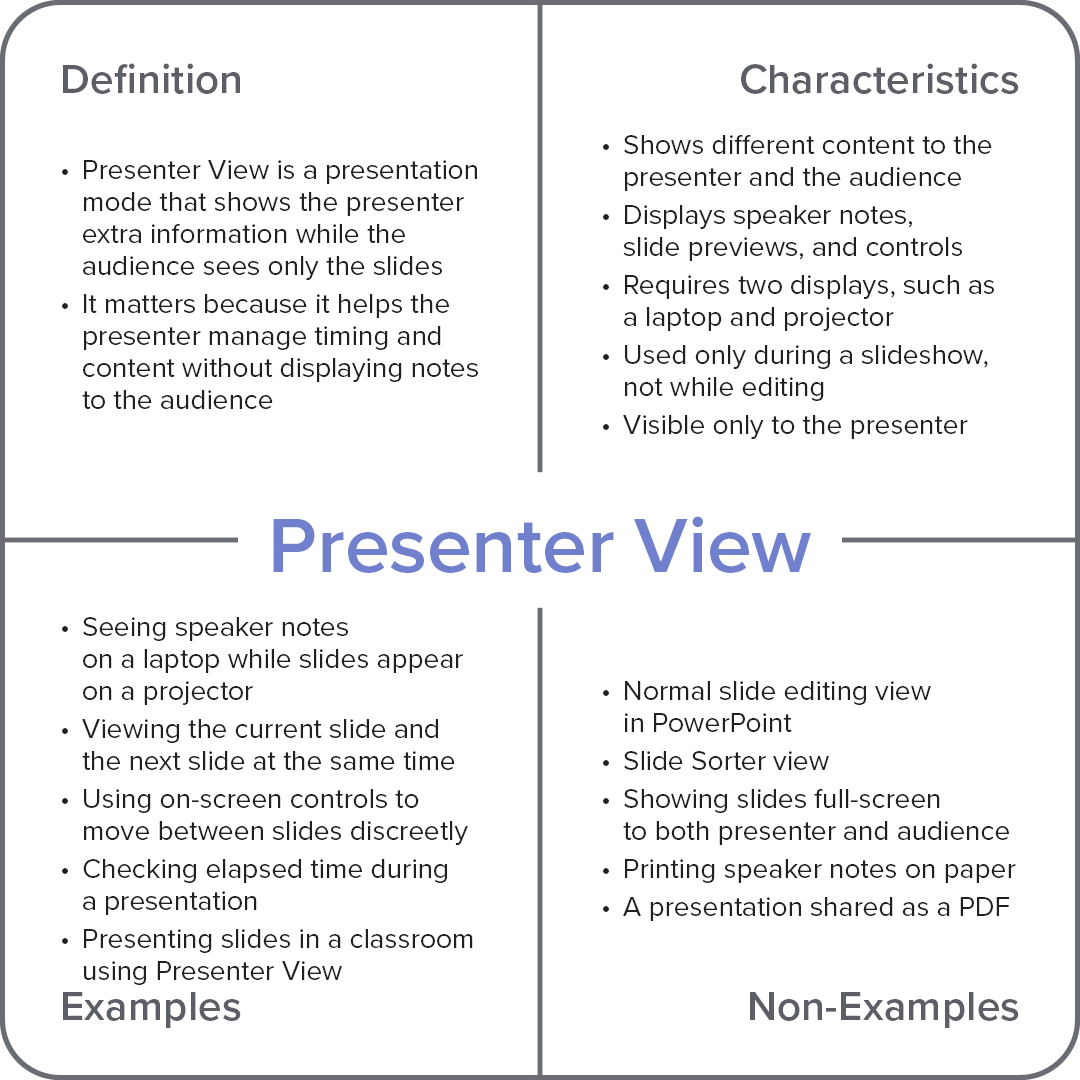
Characteristics
Shows different content to the presenter and the audience
Displays speaker notes, slide previews, and controls
Requires two displays, such as a laptop and projector
Used only during a slideshow, not while editing
Visible only to the presenter
Examples
Seeing speaker notes on a laptop while slides appear on a projector
Viewing the current slide and the next slide at the same time
Using on-screen controls to move between slides discreetly
Checking elapsed time during a presentation
Presenting slides in a classroom using Presenter View
Non-Examples
Normal slide editing view in PowerPoint
Slide Sorter view
Showing slides full-screen to both presenter and audience
Printing speaker notes on paper
A presentation shared as a PDF