Notes Pane
What is Notes Pane?
Definition
The Notes Pane is a section of a presentation where presenters can add written notes that are associated with a specific slide. These notes are stored separately from the visible slide content and can be accessed while preparing or delivering a presentation. This helps presenters keep reminders, explanations, and speaking points available without adding extra text to the slide itself.
Frayer Model Overview
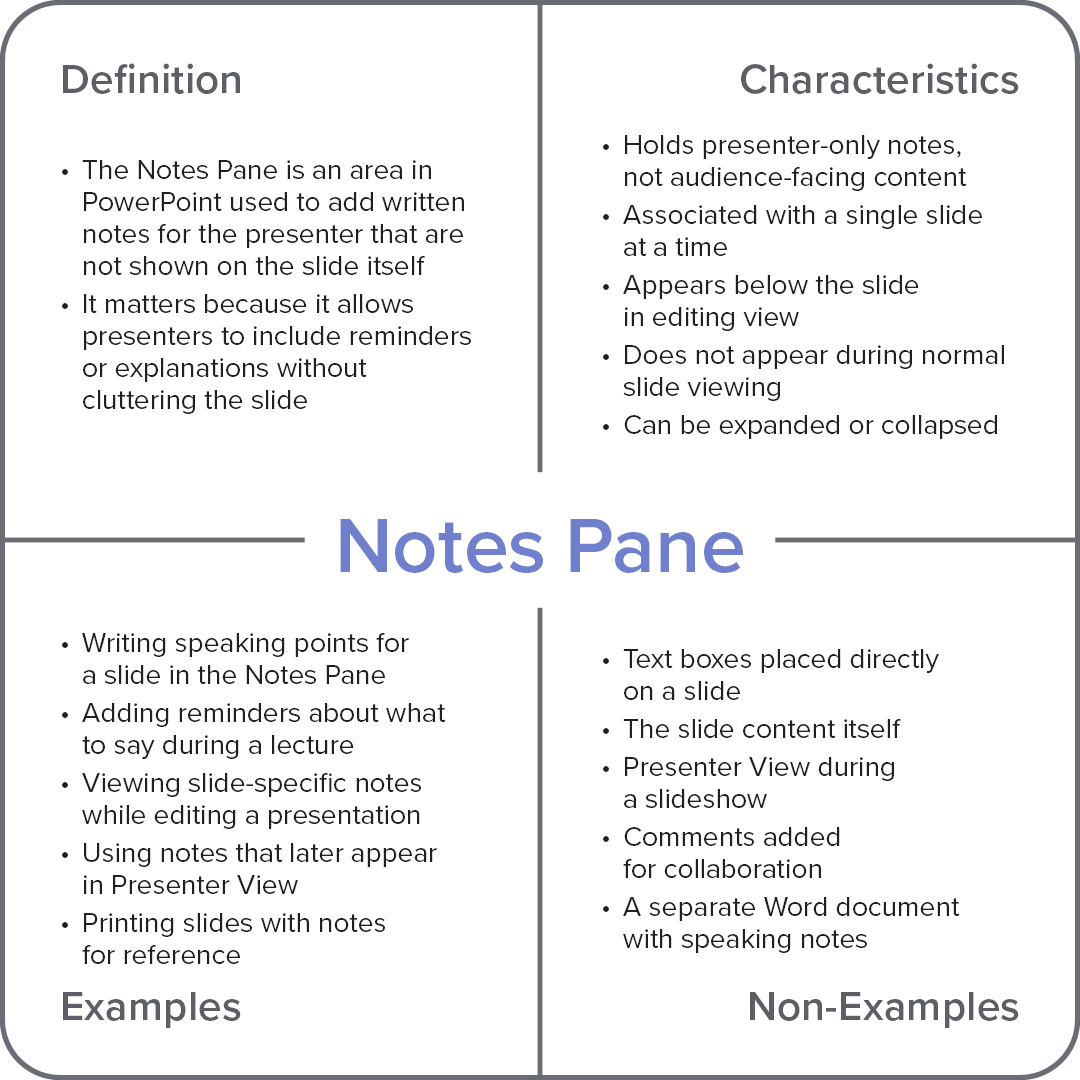
Characteristics
Holds presenter-only notes, not audience-facing content
Associated with a single slide at a time
Appears below the slide in editing view
Does not appear during normal slide viewing
Can be expanded or collapsed
Examples
Writing speaking points for a slide in the Notes Pane
Adding reminders about what to say during a lecture
Viewing slide-specific notes while editing a presentation
Using notes that later appear in Presenter View
Printing slides with notes for reference
Non-Examples
Text boxes placed directly on a slide
The slide content itself
Presenter View during a slideshow
Comments added for collaboration
A separate Word document with speaking notes