Drag
What is Drag?
Definition
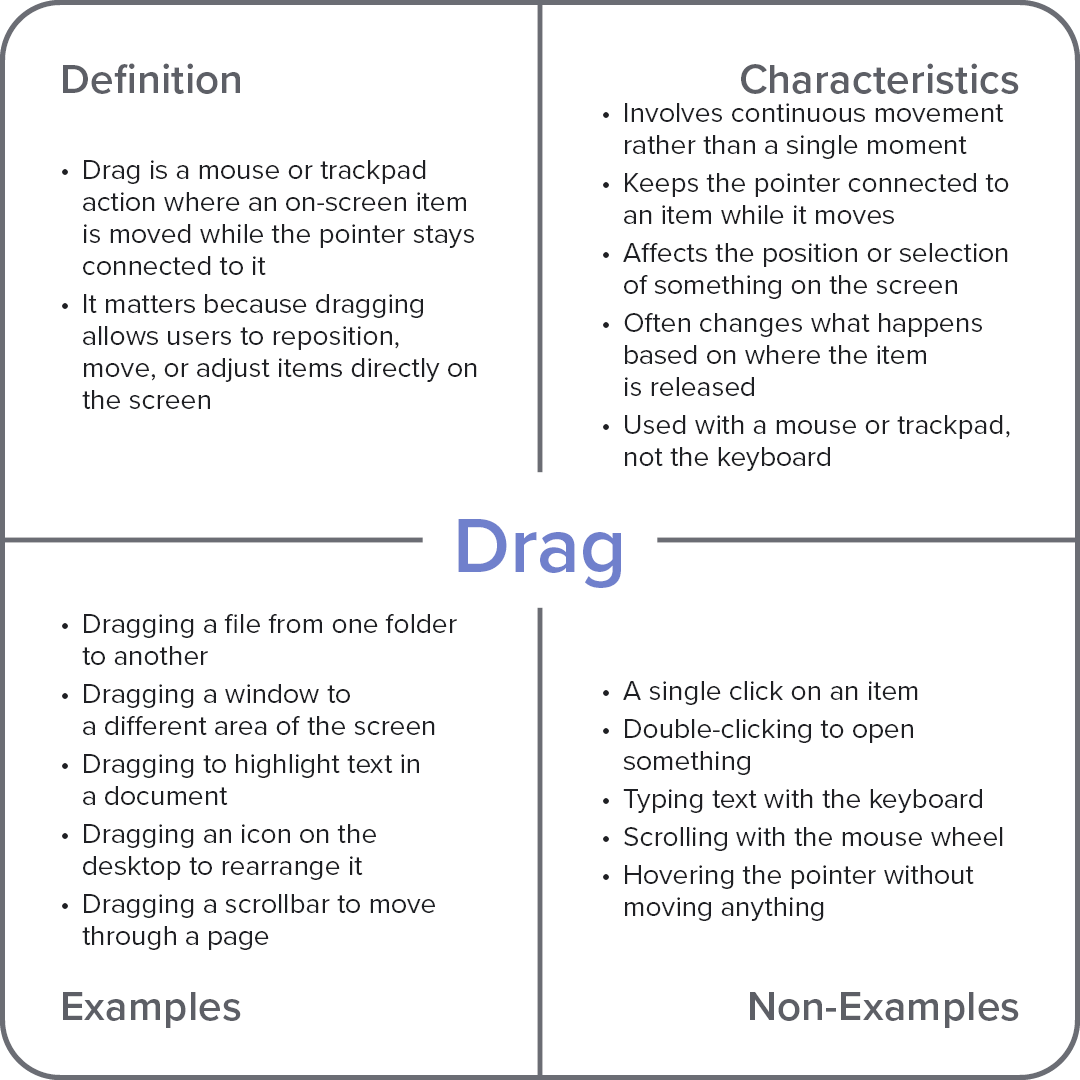
Drag is a continuous pointer action in which an on-screen item moves while remaining selected and connected to the pointer. It operates by holding down an input surface and moving the pointer, allowing the item’s position, selection range, or placement to change dynamically. This makes it possible to move files, arrange elements, or adjust content directly, supporting precise control over how items are positioned and organized.
Frayer Model Overview
Characteristics
Involves continuous movement rather than a single moment
Keeps the pointer connected to an item while it moves
Affects the position or selection of something on the screen
Often changes what happens based on where the item is released
Used with a mouse or trackpad, not the keyboard
Examples
Dragging a file from one folder to another
Dragging a window to a different area of the screen
Dragging to highlight text in a document
Dragging an icon on the desktop to rearrange it
Dragging a scrollbar to move through a page
Non-Examples
A single click on an item
Double-clicking to open something
Typing text with the keyboard
Scrolling with the mouse wheel
Hovering the pointer without moving anything