Trackpad
What is a Trackpad?
Definition
A trackpad is a touch-sensitive input surface that controls the on-screen pointer by detecting finger movement. It interprets gestures such as tapping, pressing, and sliding to perform actions like selecting items, scrolling, and opening programs. This allows full pointer control without a separate device, making interaction possible on laptops and in situations where a mouse is not used.
Frayer Model Overview
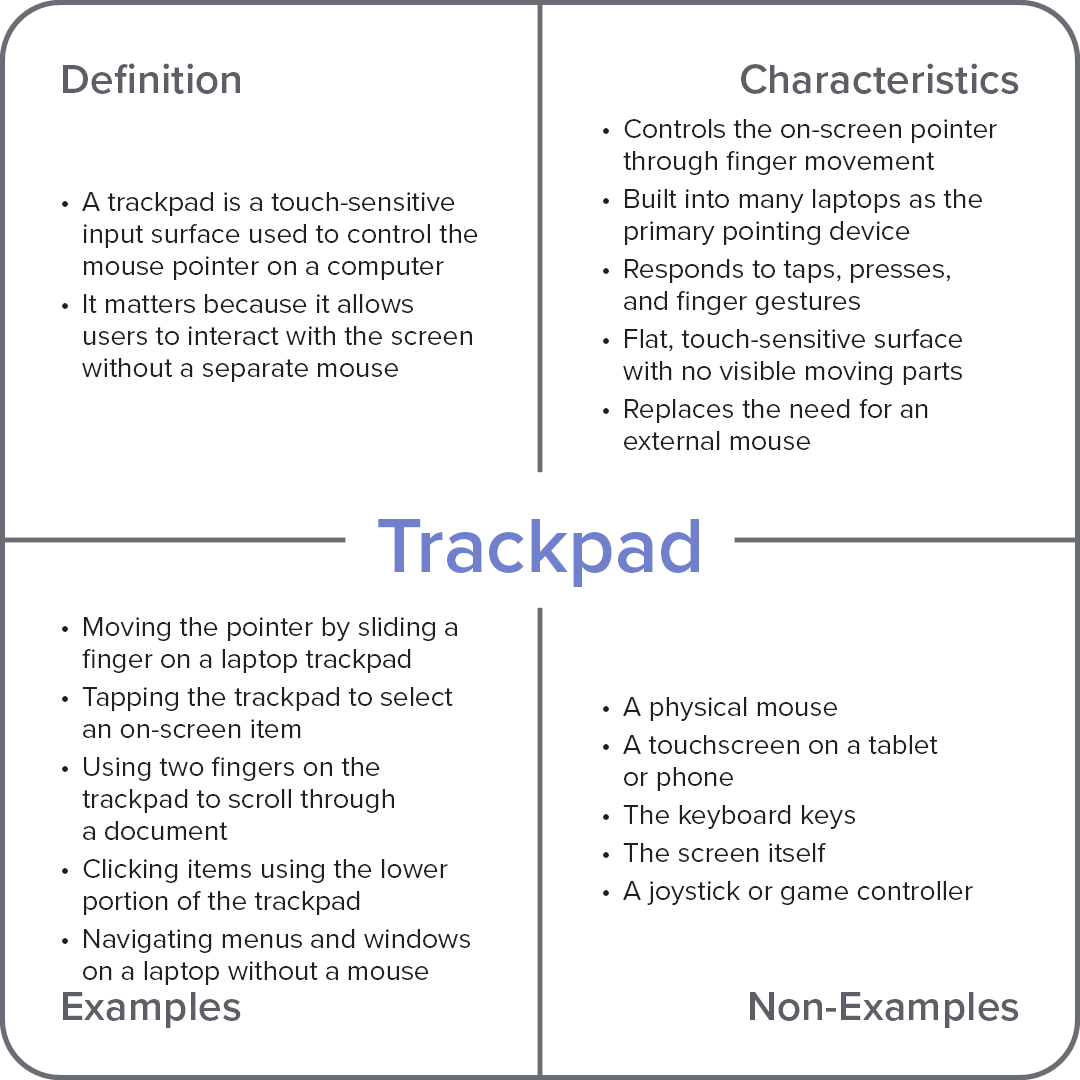
Characteristics
Controls the on-screen pointer through finger movement
Built into many laptops as the primary pointing device
Responds to taps, presses, and finger gestures
Flat, touch-sensitive surface with no visible moving parts
Replaces the need for an external mouse
Examples
Moving the pointer by sliding a finger on a laptop trackpad
Tapping the trackpad to select an on-screen item
Using two fingers on the trackpad to scroll through a document
Clicking items using the lower portion of the trackpad
Navigating menus and windows on a laptop without a mouse
Non-Examples
A physical mouse
A touchscreen on a tablet or phone
The keyboard keys
The screen itself
A joystick or game controller