Cursor
What is a cursor?
Definition
A cursor is an on-screen indicator that marks the position in a document, text box, or field where text can be entered or edited. It usually appears as a blinking vertical line and moves as characters are inserted, deleted, or repositioned, showing the current insertion point within the text. This visual marker matters because it identifies the exact location where changes will occur, allowing precise control over typing and editing within digital documents and text fields.
Frayer Model Overview
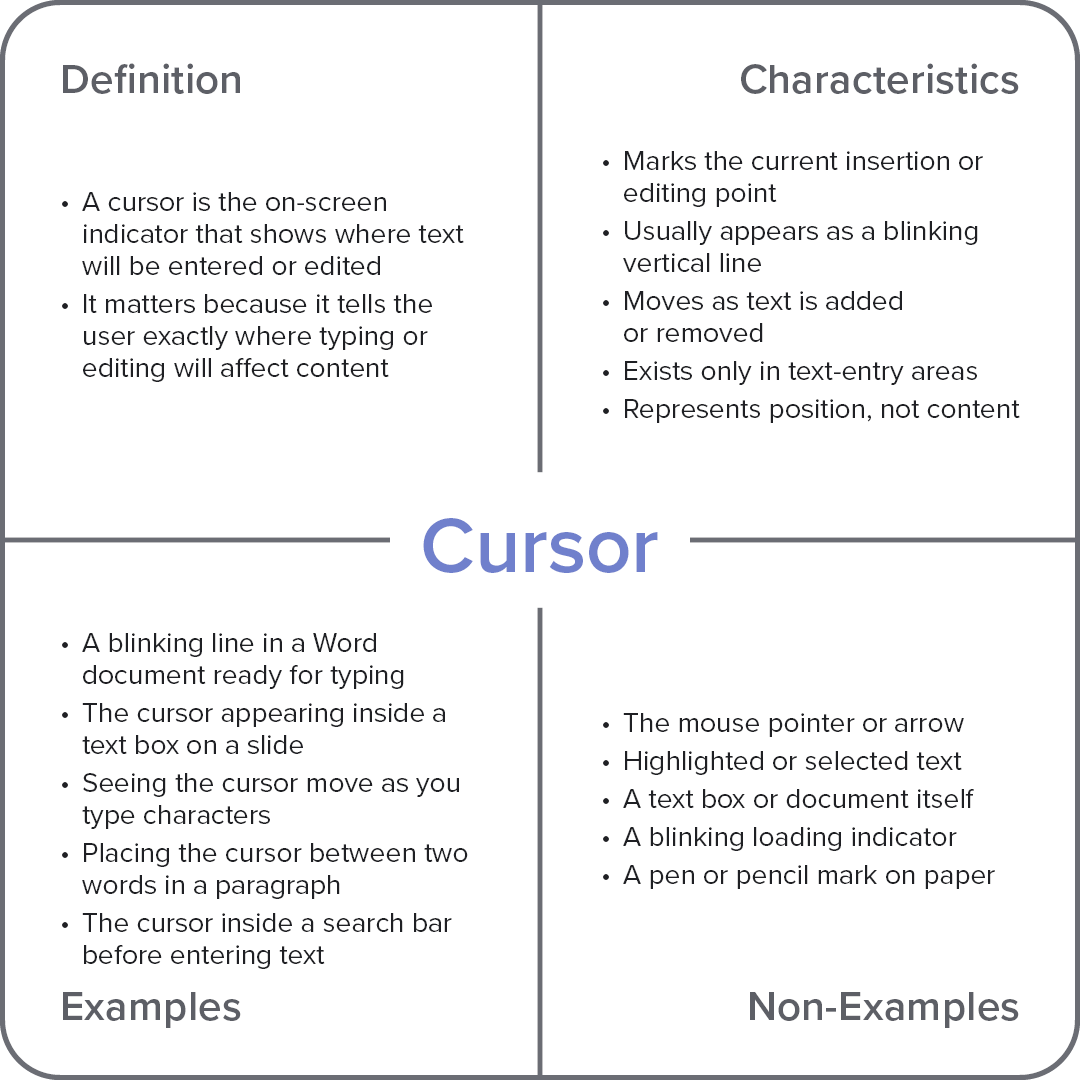
Characteristics
Marks the current insertion or editing point
Usually appears as a blinking vertical line
Moves as text is added or removed
Exists only in text-entry areas
Represents position, not content
Examples
A blinking line in a Word document ready for typing
The cursor appearing inside a text box on a slide
Seeing the cursor move as you type characters
Placing the cursor between two words in a paragraph
The cursor inside a search bar before entering text
Non-Examples
The mouse pointer or arrow
Highlighted or selected text
A text box or document itself
A blinking loading indicator
A pen or pencil mark on paper