Worksheet Tab
What is Worksheet Tab?
Definition
A worksheet tab is a labeled control that represents a worksheet within a spreadsheet file. Selecting a worksheet tab displays the corresponding sheet, allowing users to move between different worksheets stored in the same workbook. This helps organize related data into separate sections while keeping everything together in a single file.
Frayer Model Overview
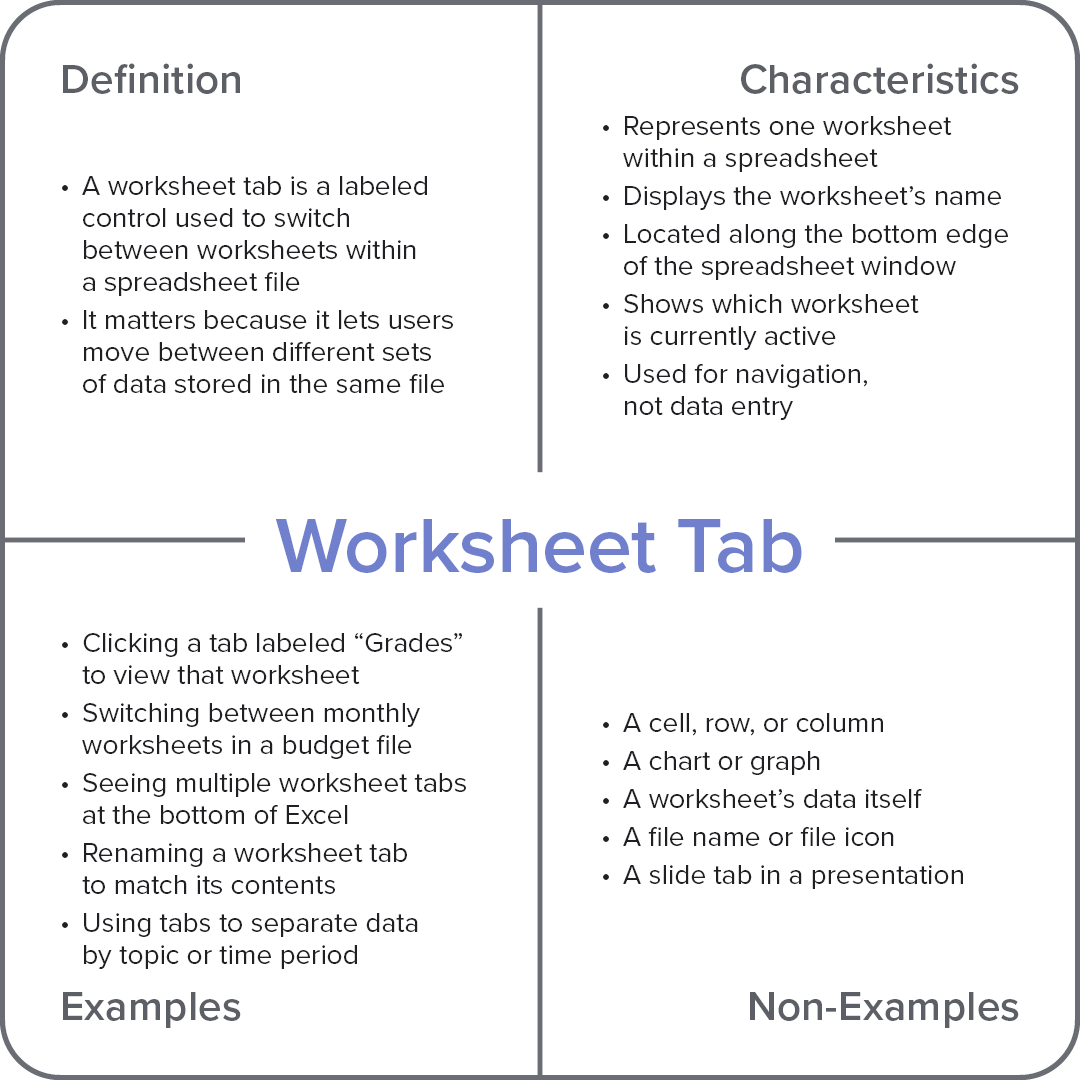
Characteristics
Represents one worksheet within a spreadsheet
Displays the worksheet’s name
Located along the bottom edge of the spreadsheet window
Shows which worksheet is currently active
Used for navigation, not data entry
Examples
Clicking a tab labeled “Grades” to view that worksheet
Switching between monthly worksheets in a budget file
Seeing multiple worksheet tabs at the bottom of Excel
Renaming a worksheet tab to match its contents
Using tabs to separate data by topic or time period
Non-Examples
A cell, row, or column
A chart or graph
A worksheet’s data itself
A file name or file icon
A slide tab in a presentation