Right-Click Menu
What is Right-Click Menu?
Definition
A right-click menu is a context-sensitive menu that appears when an item or area is selected with the right mouse button. The commands displayed in the menu vary depending on the object that was clicked, such as a file, folder, piece of text, or empty area of the screen. This helps users access relevant actions quickly without searching through other menus or interface controls.
Frayer Model Overview
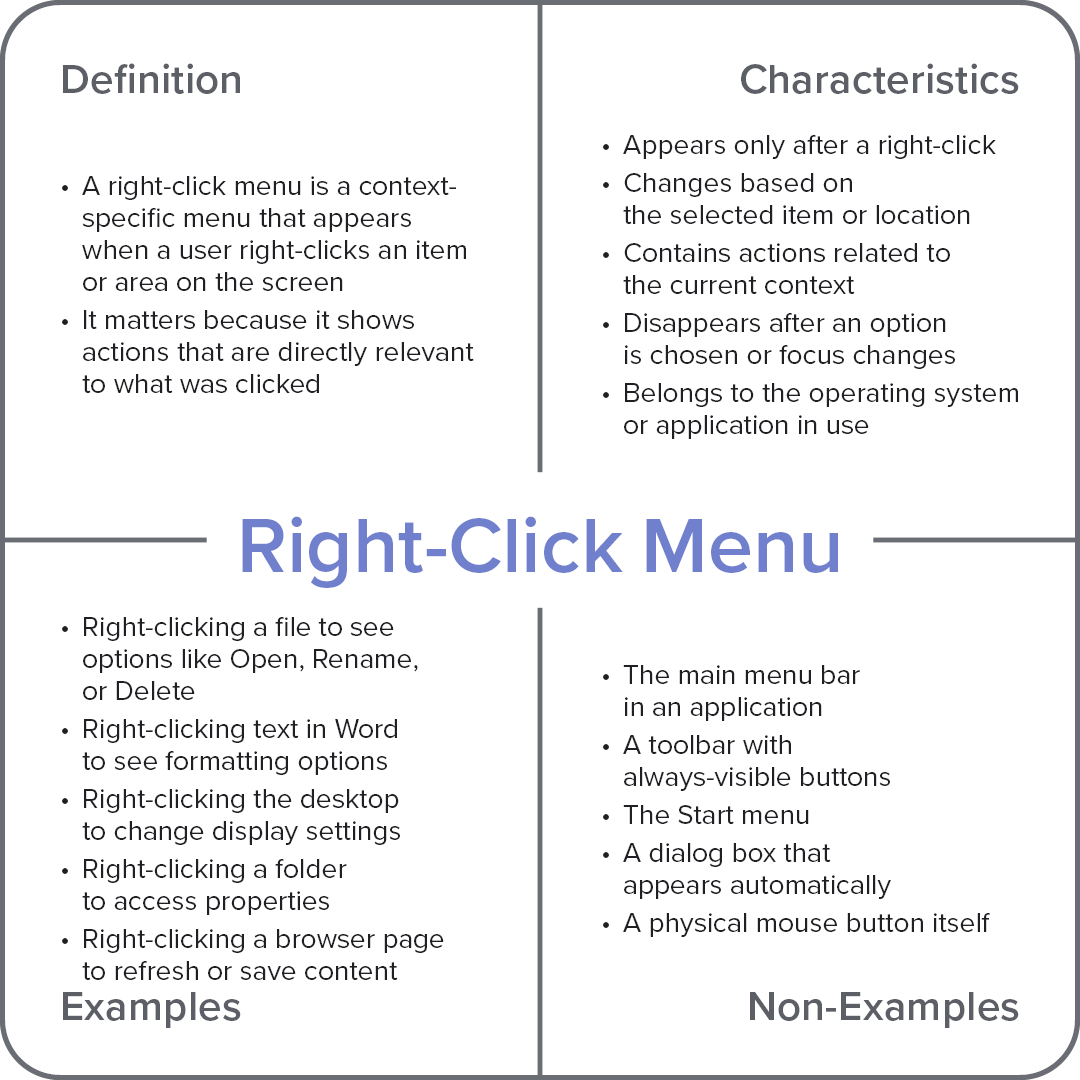
Characteristics
Appears only after a right-click
Changes based on the selected item or location
Contains actions related to the current context
Disappears after an option is chosen or focus changes
Belongs to the operating system or application in use
Examples
Right-clicking a file to see options like Open, Rename, or Delete
Right-clicking text in Word to see formatting options
Right-clicking the desktop to change display settings
Right-clicking a folder to access properties
Right-clicking a browser page to refresh or save content
Non-Examples
The main menu bar in an application
A toolbar with always-visible buttons
The Start menu
A dialog box that appears automatically
A physical mouse button itself