Hover
What is Hover?
Definition
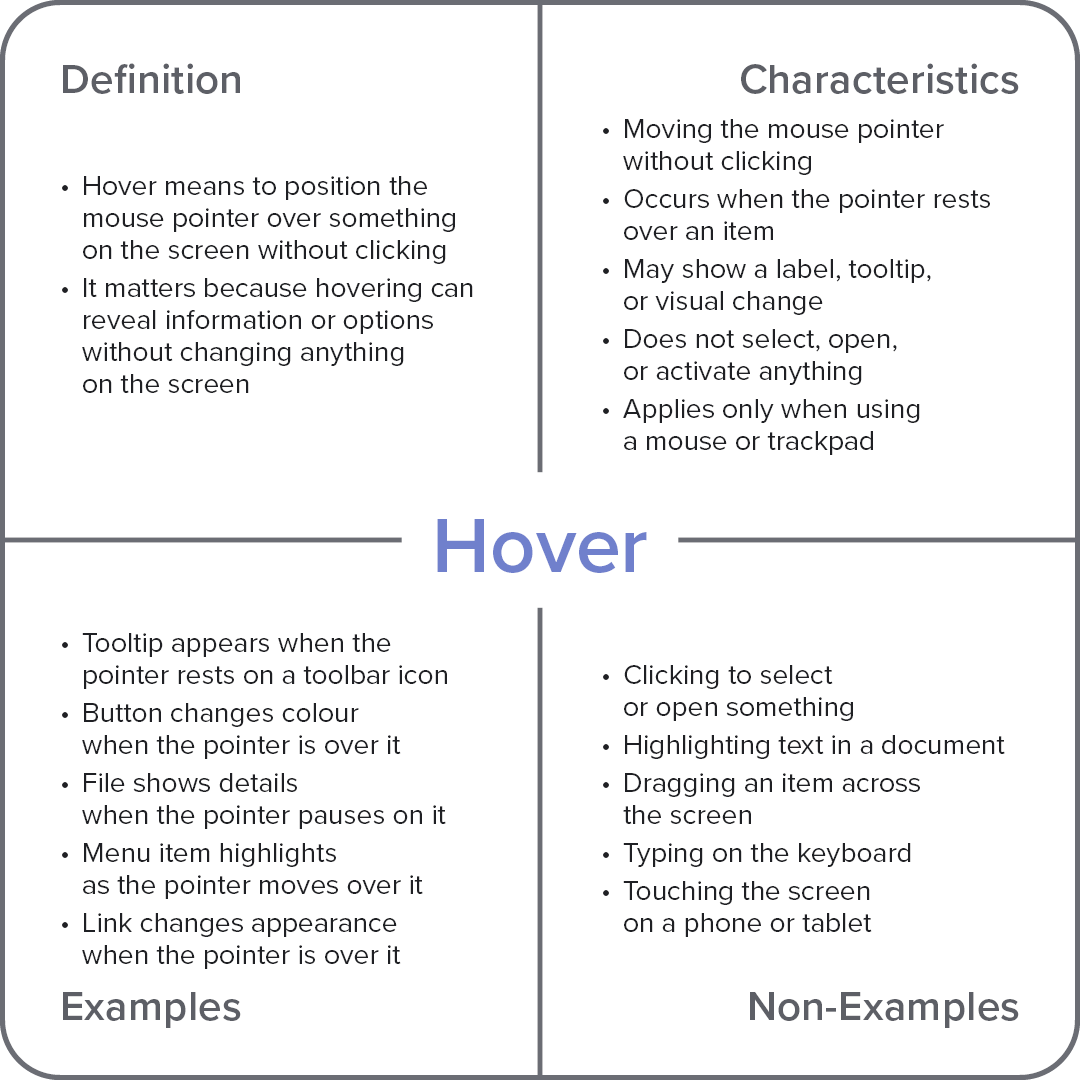
Hover is the action of positioning the mouse pointer over an item on the screen without clicking or selecting it. Many interfaces respond to hovering by displaying additional information, highlighting an item, or revealing available options while leaving the current content unchanged. This helps users explore and understand interface elements before taking further action.
Frayer Model Overview
Characteristics
Moving the mouse pointer without clicking
Occurs when the pointer rests over an item
May show a label, tooltip, or visual change
Does not select, open, or activate anything
Applies only when using a mouse or trackpad
Examples
Tooltip appears when the pointer rests on a toolbar icon
Button changes colour when the pointer is over it
File shows details when the pointer pauses on it
Menu item highlights as the pointer moves over it
Link changes appearance when the pointer is over it
Non-Examples
Clicking to select or open something
Highlighting text in a document
Dragging an item across the screen
Typing on the keyboard
Touching the screen on a phone or tablet