Downloads Folder
What is Downloads Folder?
Definition
The Downloads folder is a standard location within a user account where files obtained from the internet, email, and other sources are commonly stored. Many browsers and applications use this folder as the default destination for downloaded files unless a different location is selected. This helps users locate recently downloaded items quickly and provides a consistent place to manage new files.
Frayer Model Overview
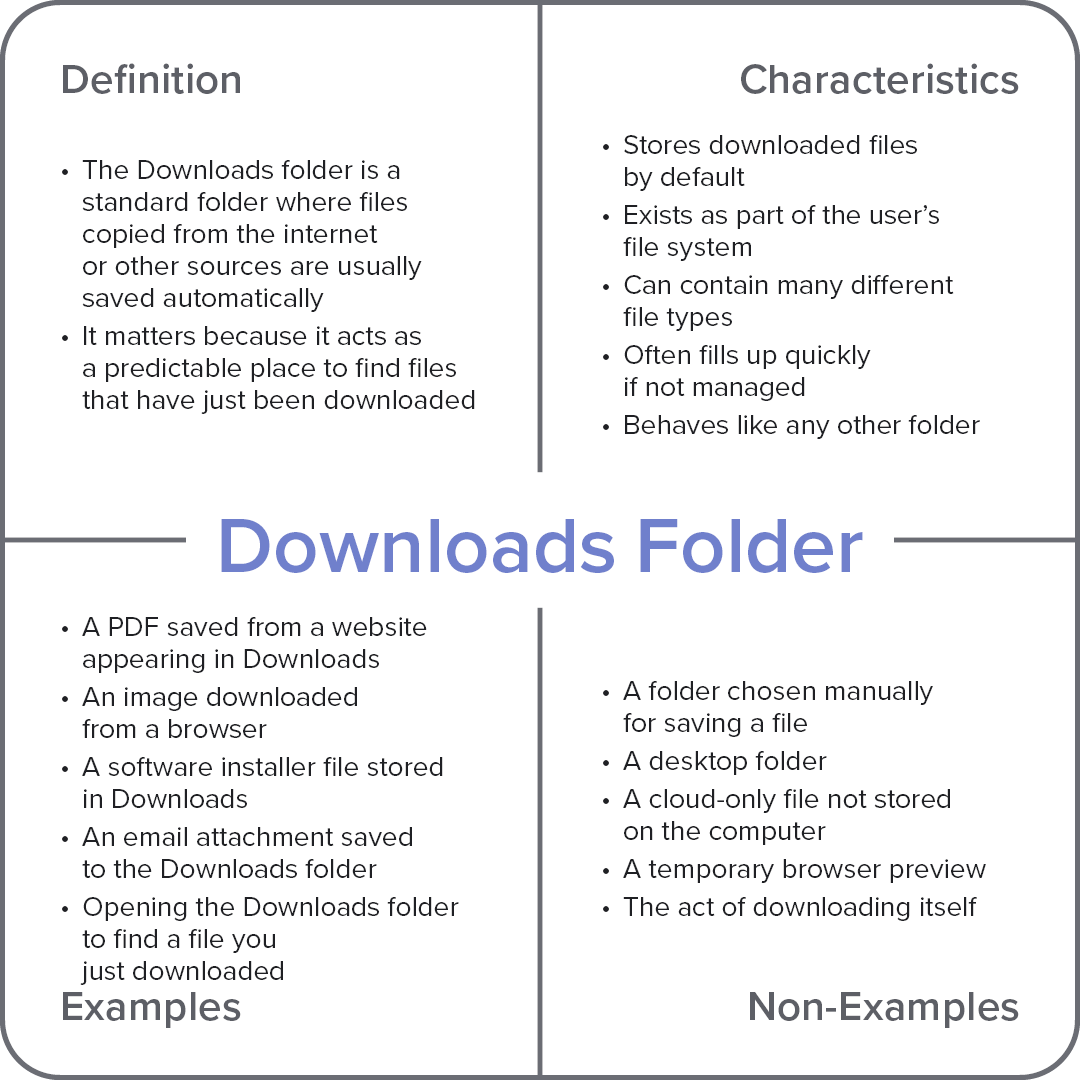
Characteristics
Stores downloaded files by default
Exists as part of the user’s file system
Can contain many different file types
Often fills up quickly if not managed
Behaves like any other folder
Examples
A PDF saved from a course website appearing in Downloads
An image downloaded from a browser
A software installer file stored in Downloads
An email attachment saved to the Downloads folder
Opening the Downloads folder to find a file you just downloaded
Non-Examples
A folder chosen manually for saving a file
A desktop folder
A cloud-only file not stored on the computer
A temporary browser preview
The act of downloading itself