Redo
What is Redo?
Definition
Redo is a command that restores the most recent action that was previously undone in a file or application. This action reapplies changes in the same order they were reversed, as long as no new action has been performed. This matters because it allows recent steps to be recovered quickly, which supports accurate editing and prevents loss of intended changes.
Frayer Model Overview
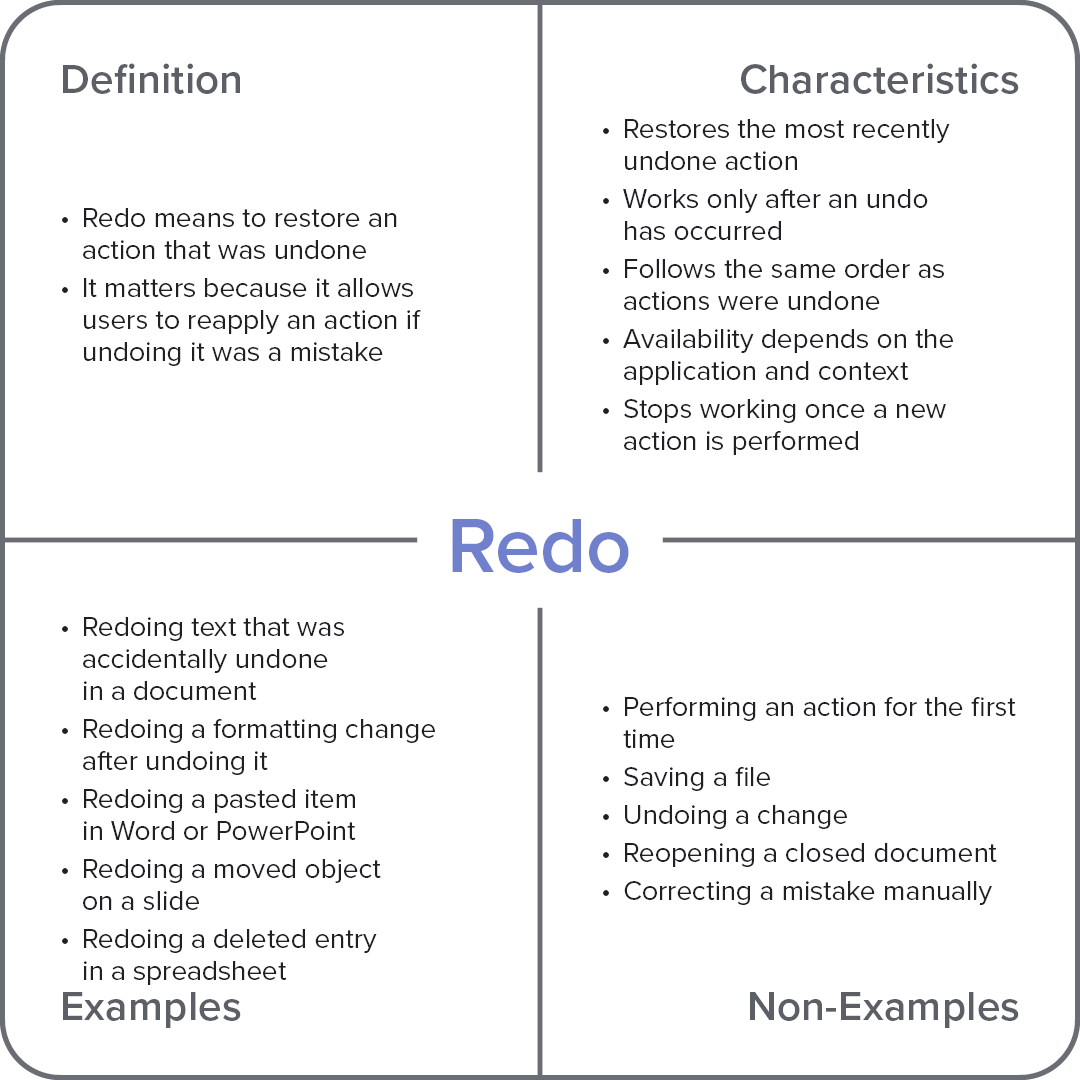
Characteristics
Restores the most recently undone action
Works only after an undo has occurred
Follows the same order as actions were undone
Availability depends on the application and context
Stops working once a new action is performed
Examples
Redoing text that was accidentally undone in a document
Redoing a formatting change after undoing it
Redoing a pasted item in Word or PowerPoint
Redoing a moved object on a slide
Redoing a deleted entry in a spreadsheet
Non-Examples
Performing an action for the first time
Saving a file
Undoing a change
Reopening a closed document
Correcting a mistake manually