Back and Forward Buttons
What are Back and Forward Buttons?
Definition
The Back and Forward buttons are browser controls that allow movement through pages previously visited in the current tab. The Back button returns to an earlier page, while the Forward button moves to a page that was viewed after using Back. This helps users navigate browsing history efficiently without re-entering website addresses or searching for pages again.
Frayer Model Overview
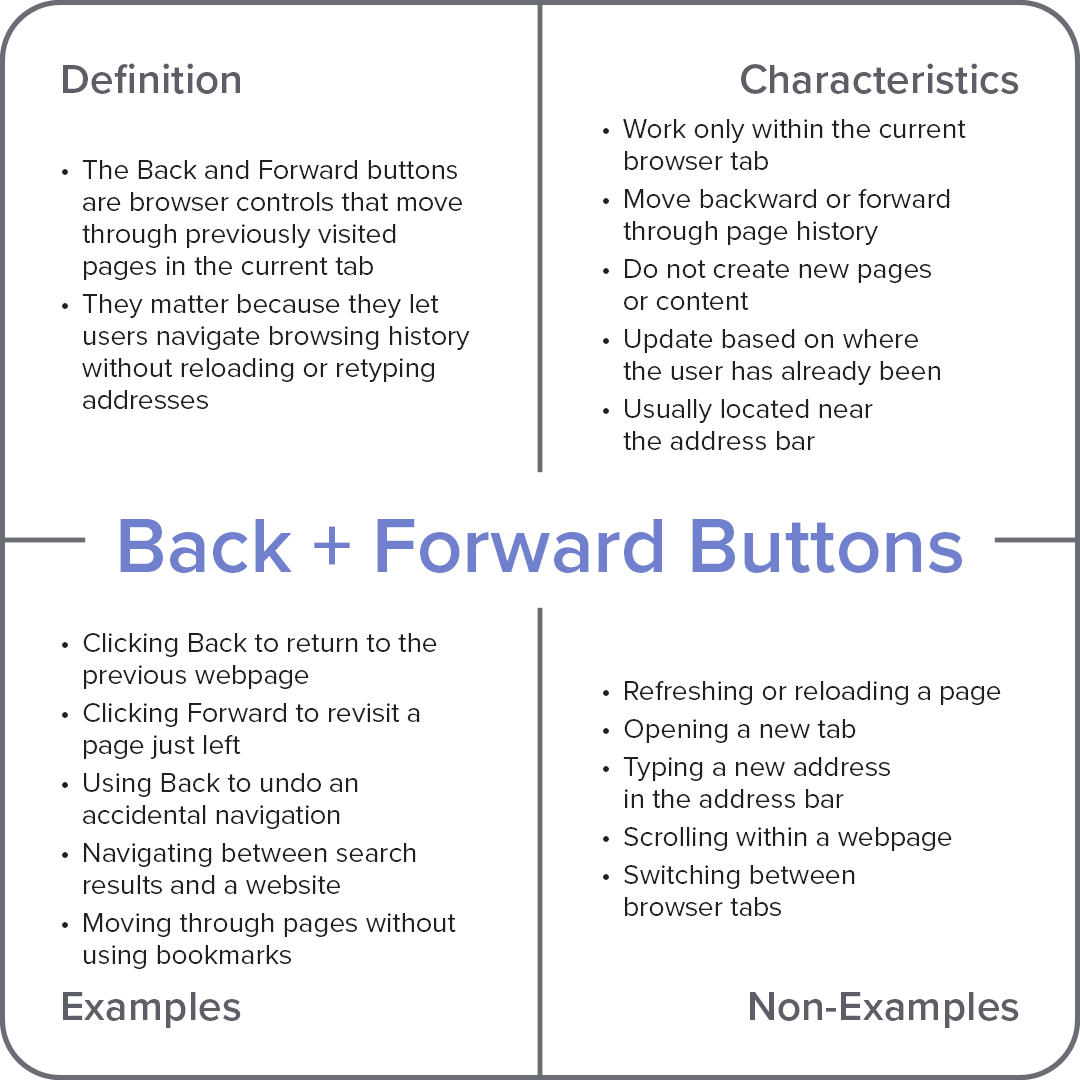
Characteristics
Work only within the current browser tab
Move backward or forward through page history
Do not create new pages or content
Update based on where the user has already been
Usually located near the address bar
Examples
Clicking Back to return to the previous webpage
Clicking Forward to revisit a page just left
Using Back to undo an accidental navigation
Navigating between search results and a website
Moving through pages without using bookmarks
Non-Examples
Refreshing or reloading a page
Opening a new tab
Typing a new address in the address bar
Scrolling within a webpage
Switching between browser tabs